PDF Version
This user guide covers the following:
1. On the iPad Home screen, tap the App Store icon.
The App Store opens.
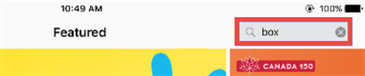
2. In the Search field, search for Box.
The search results are displayed.
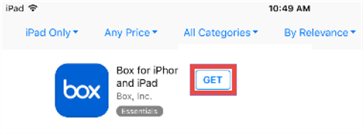
3. Tap Get.
The app is downloaded to your iPad.
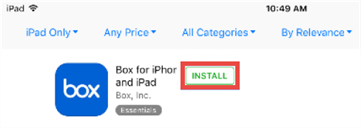
4. Tap Install.
The app is installed.
1. On the iPad Home screen, tap the Box icon.
The Box app opens.
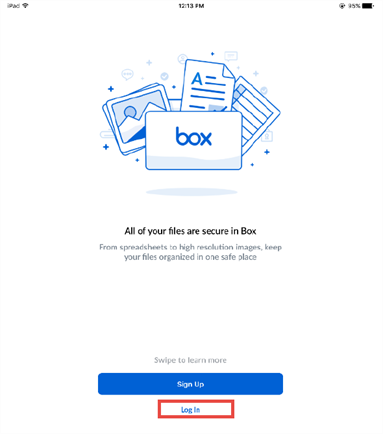
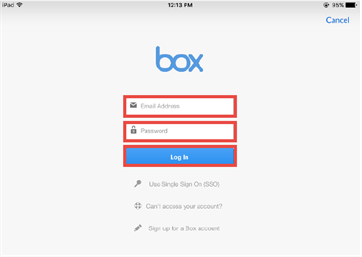
2. Tap the Log In button.
The Box Log In page is displayed.
3. Enter the following details:
4. Tap the Log In button.